

Getting started with homestays and rentals in one account
Run both? Set up nightly homestays and monthly room rentals in one UrusPro account.
Many owners run nightly homestays and monthly rentals. UrusPro handles both in one account: nightly stays go to Bookings, monthly tenants to Tenants, and the money from every place lands in one report. This guide sets up one homestay, one rental house and one tenant.
The pictures and video use example data, not a real business.
Watch first: the full video
Step by step
A new account starts on Home. Tap Add your first listing.
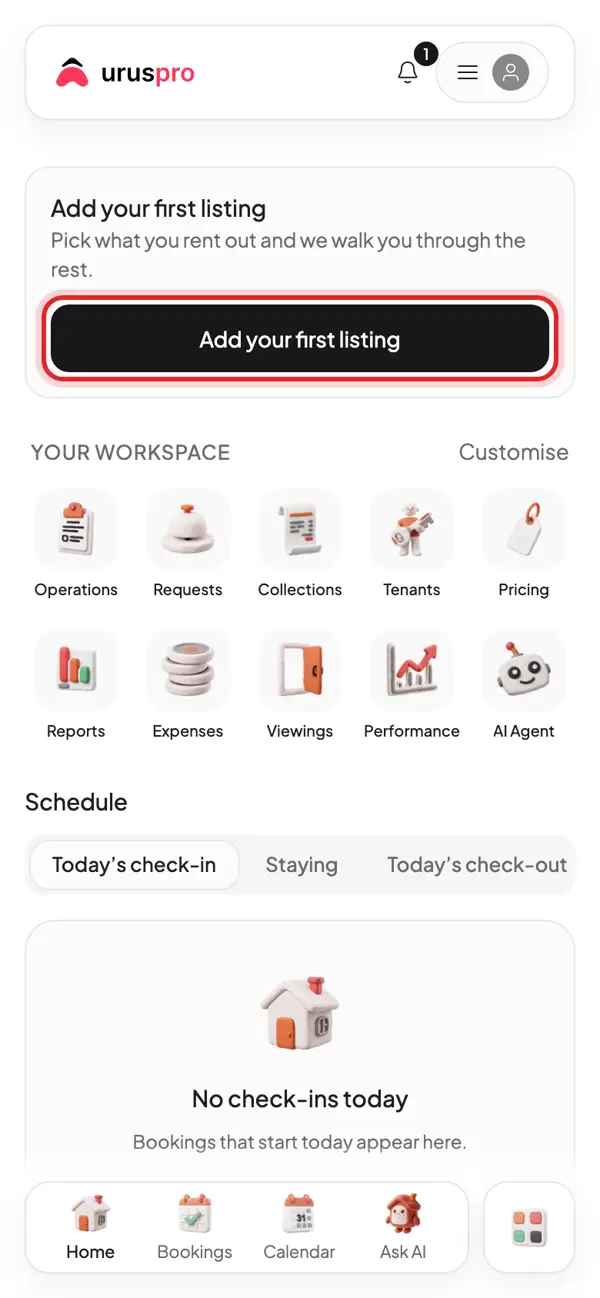
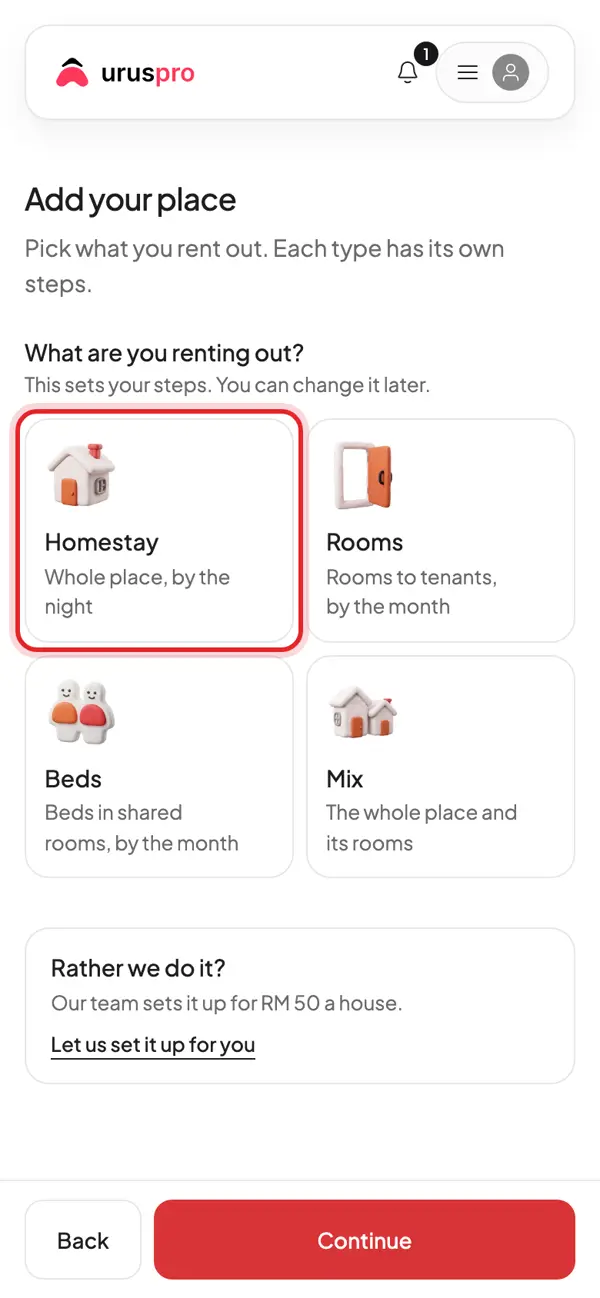
Pick Homestay: the whole place, rented by the night.
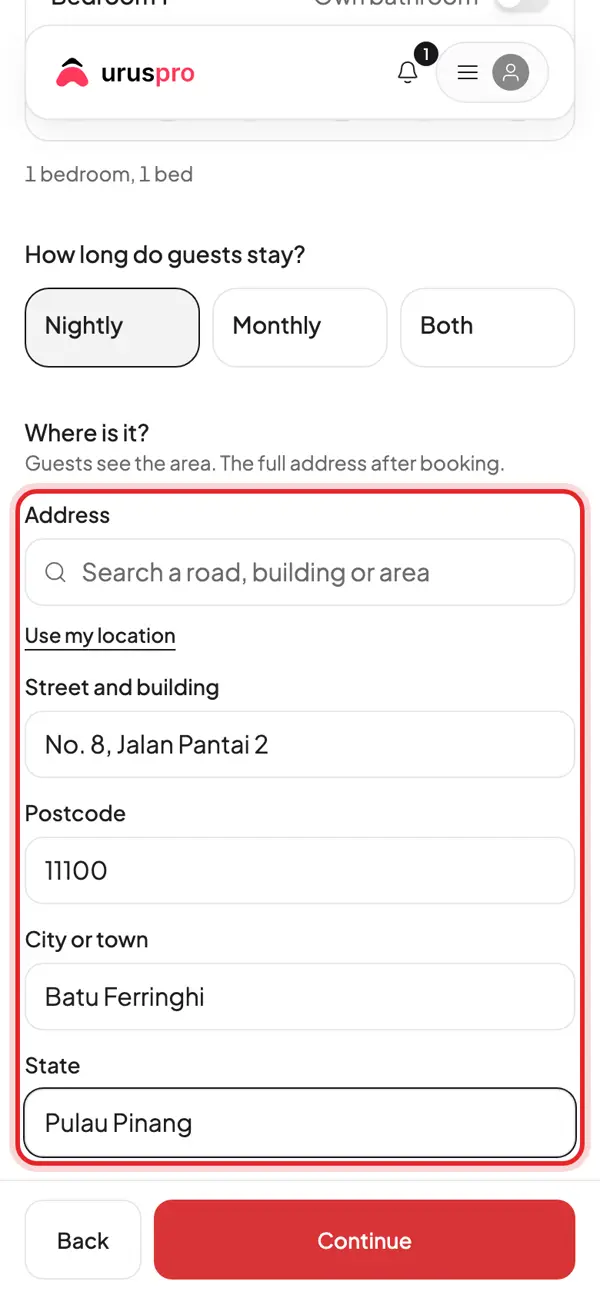
Scroll to the location and fill in the address. Guests only see the area until they book.
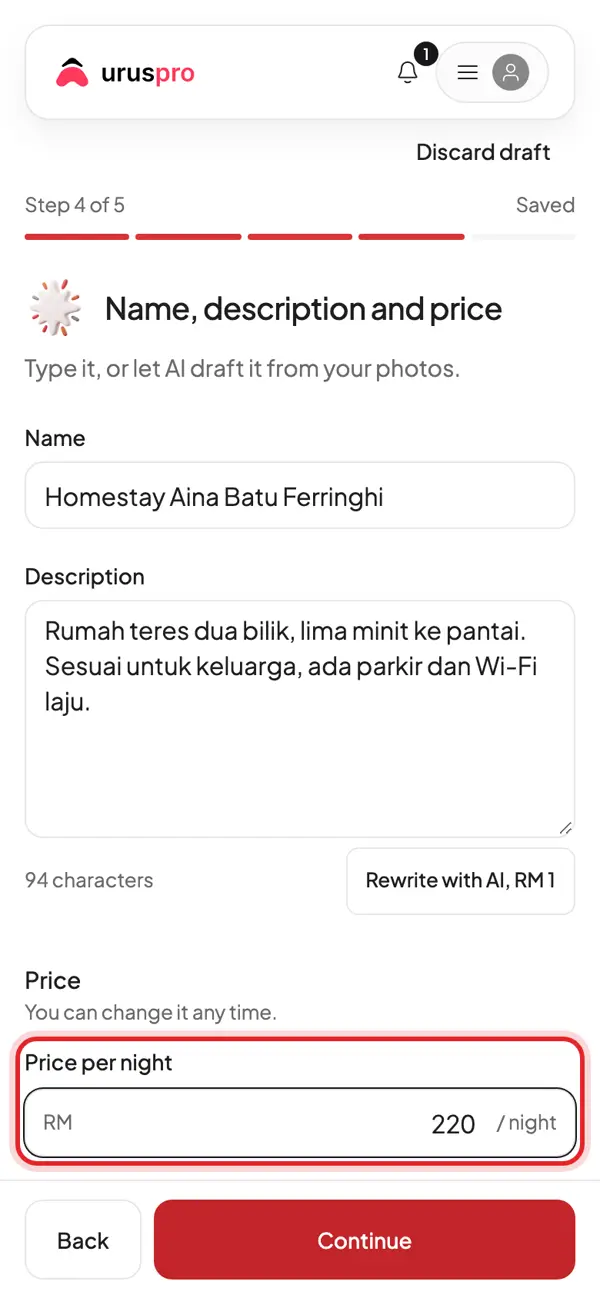
Enter the price per night. Weekend and holiday prices can be added later in Pricing.
Last step: check the list. Each item must be done before guests can book.
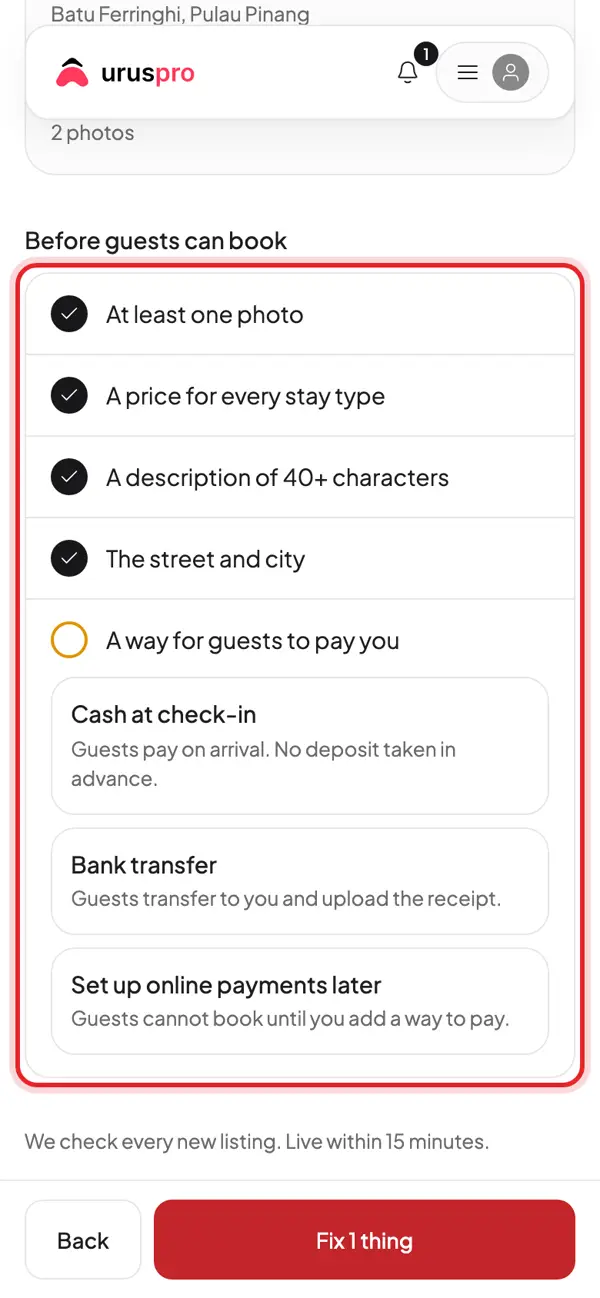
Tap Publish. The UrusPro team checks every new listing, usually within 15 minutes.
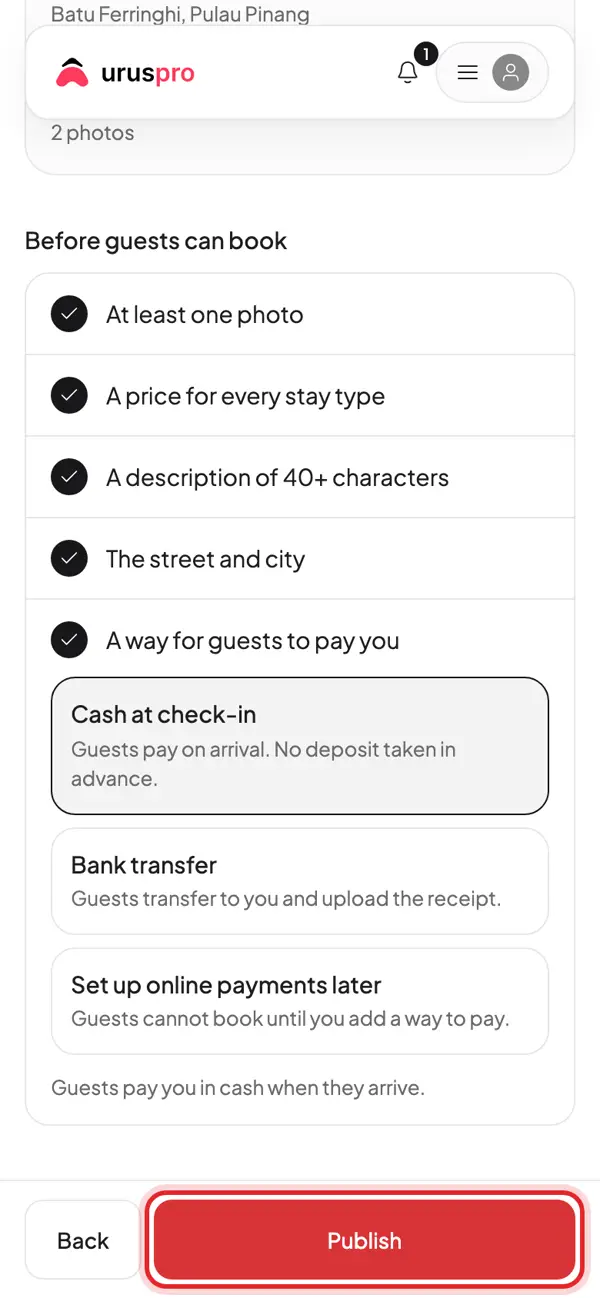
Done. Copy your listing link to share on WhatsApp and social media.
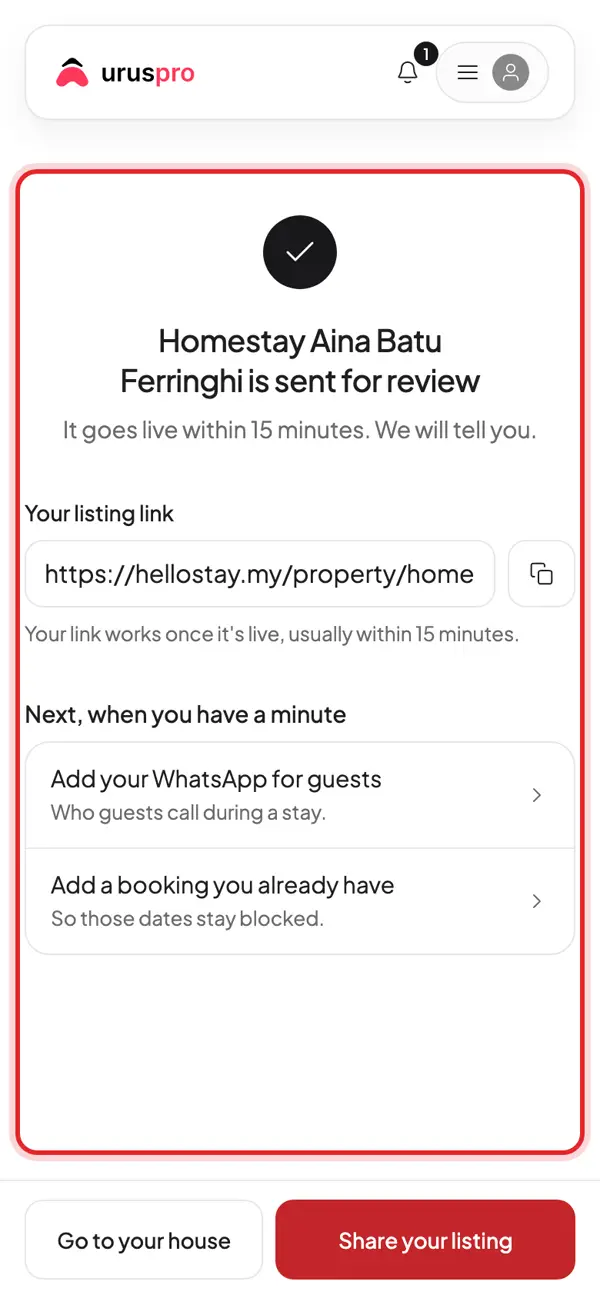
A second place? Open Houses and tap New house.
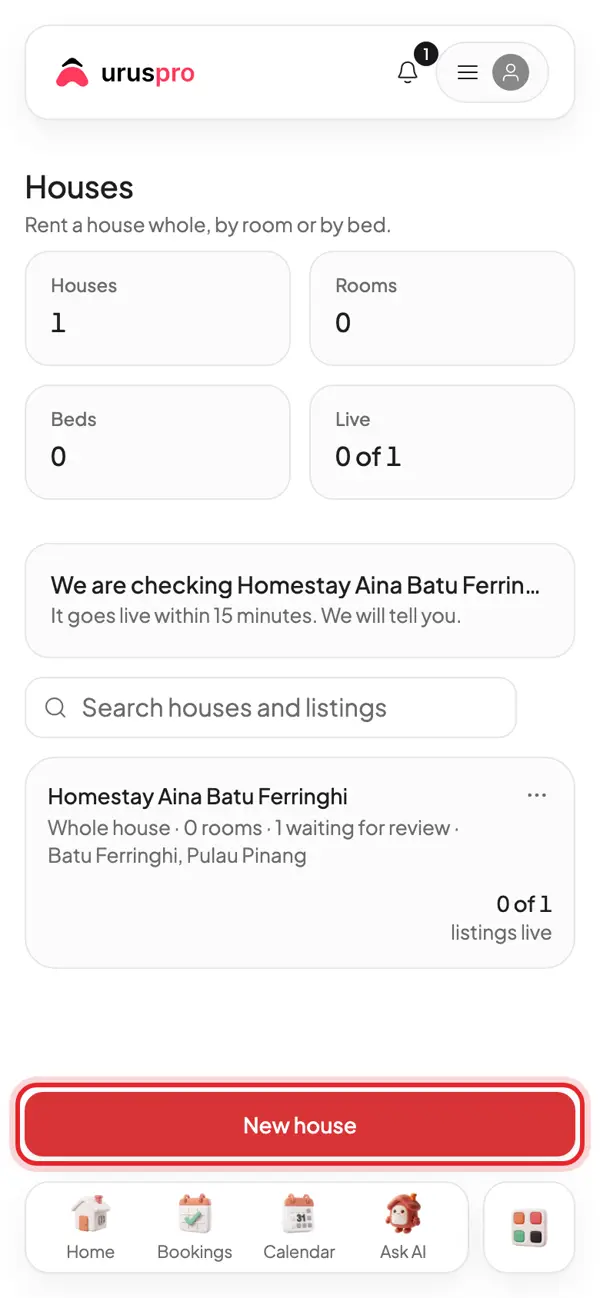
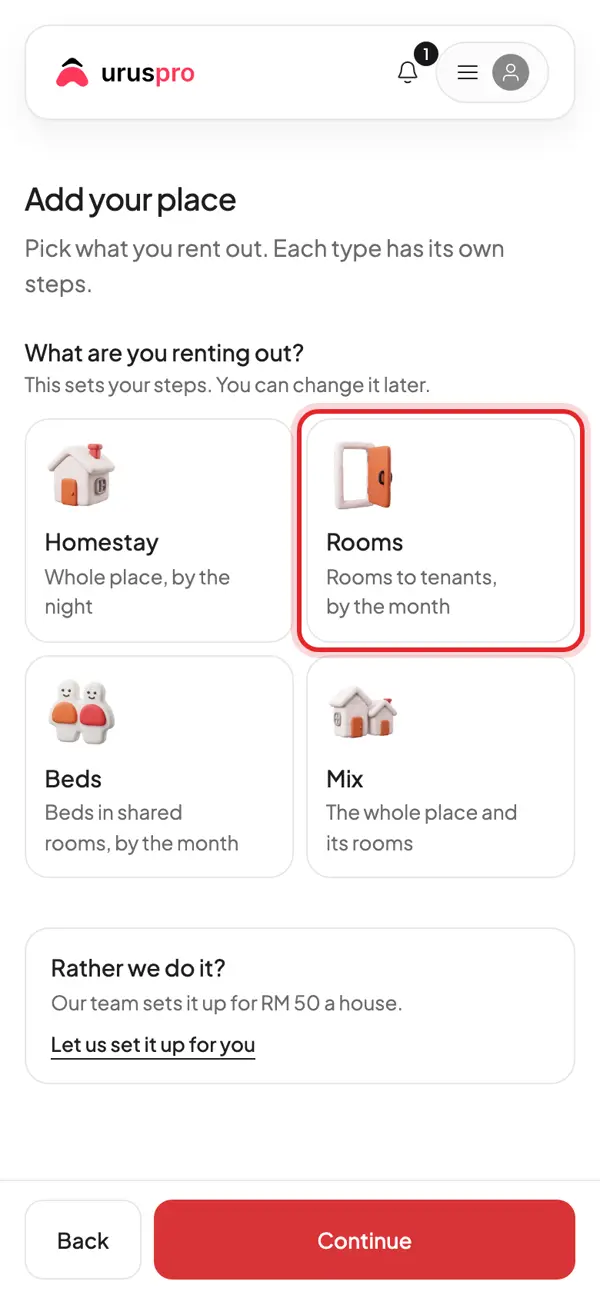
Pick Rooms: rooms for tenants, rented by the month.
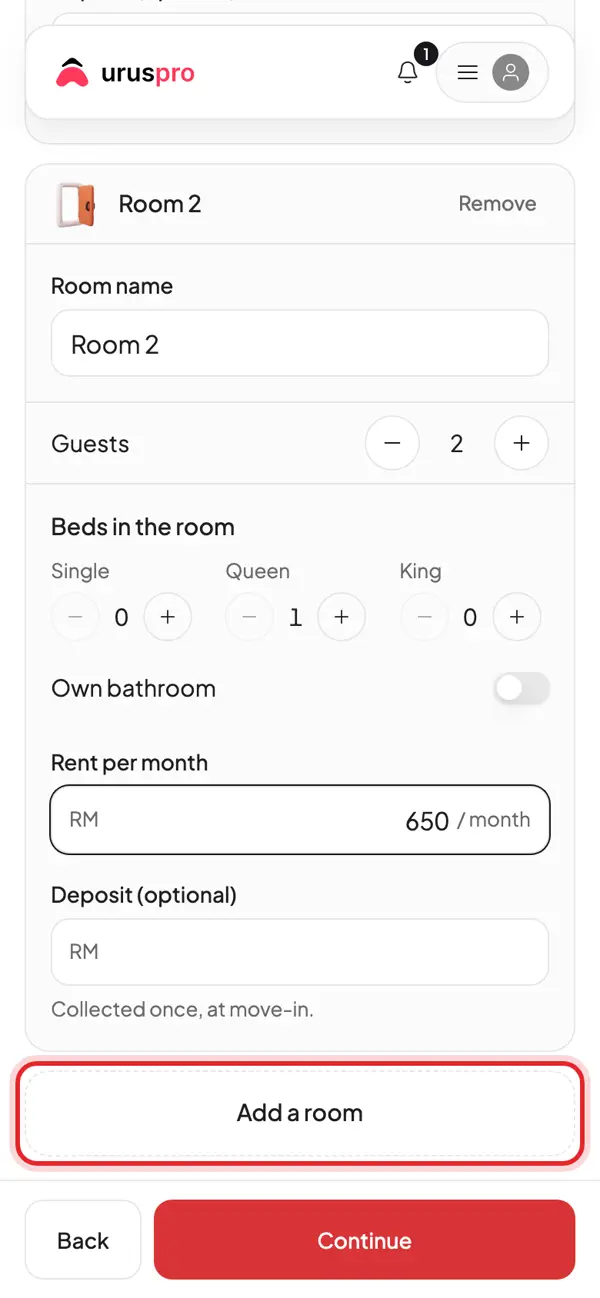
Add each room: name, how many people, beds, monthly rent and deposit. Tap Add a room for the next one.
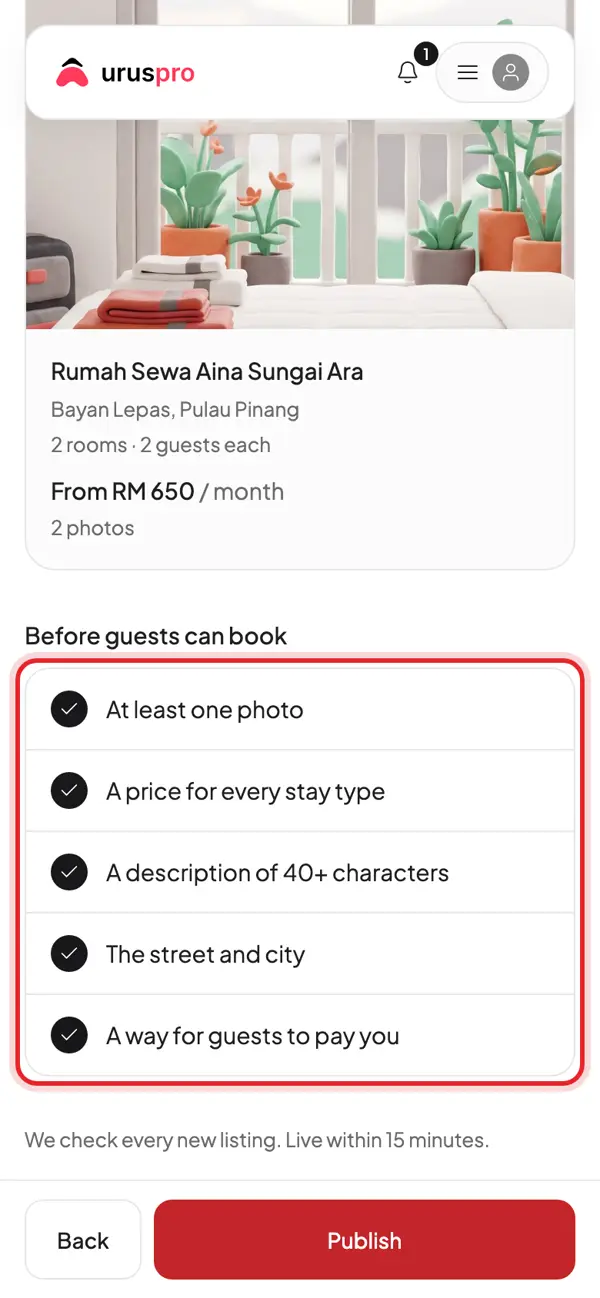
Last step: check the list. Each item must be done before guests can book.
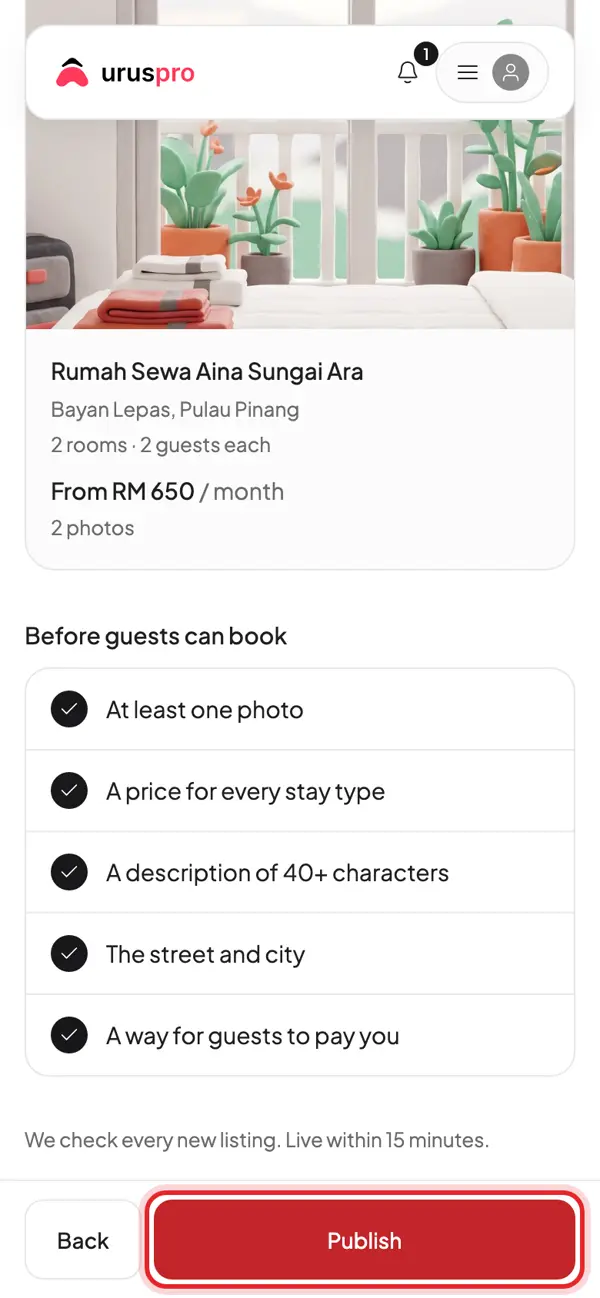
Tap Publish. The UrusPro team checks every new listing, usually within 15 minutes.
Done. Copy your listing link to share on WhatsApp and social media.
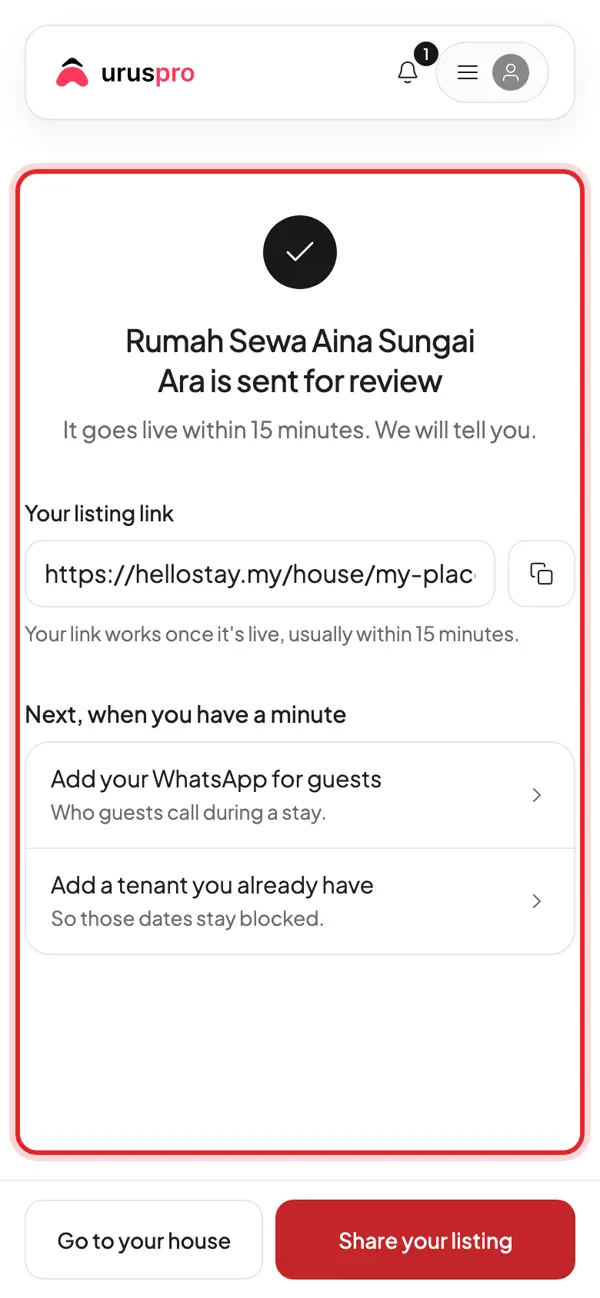
Already have tenants? Open Tenants and tap Add tenant.
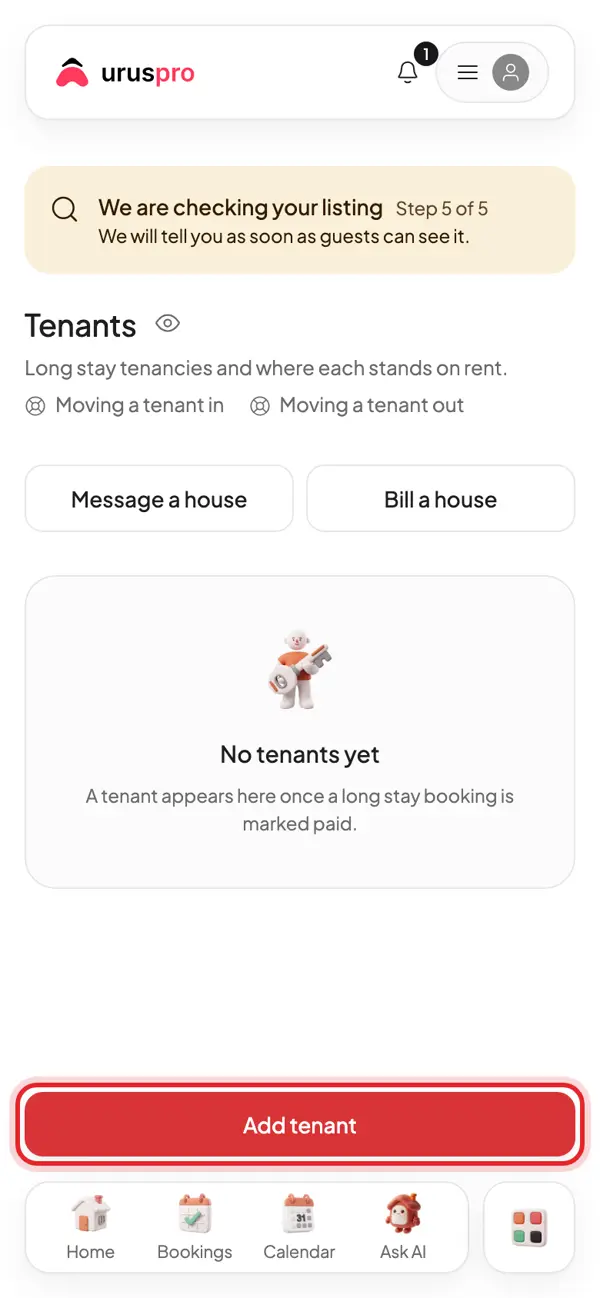
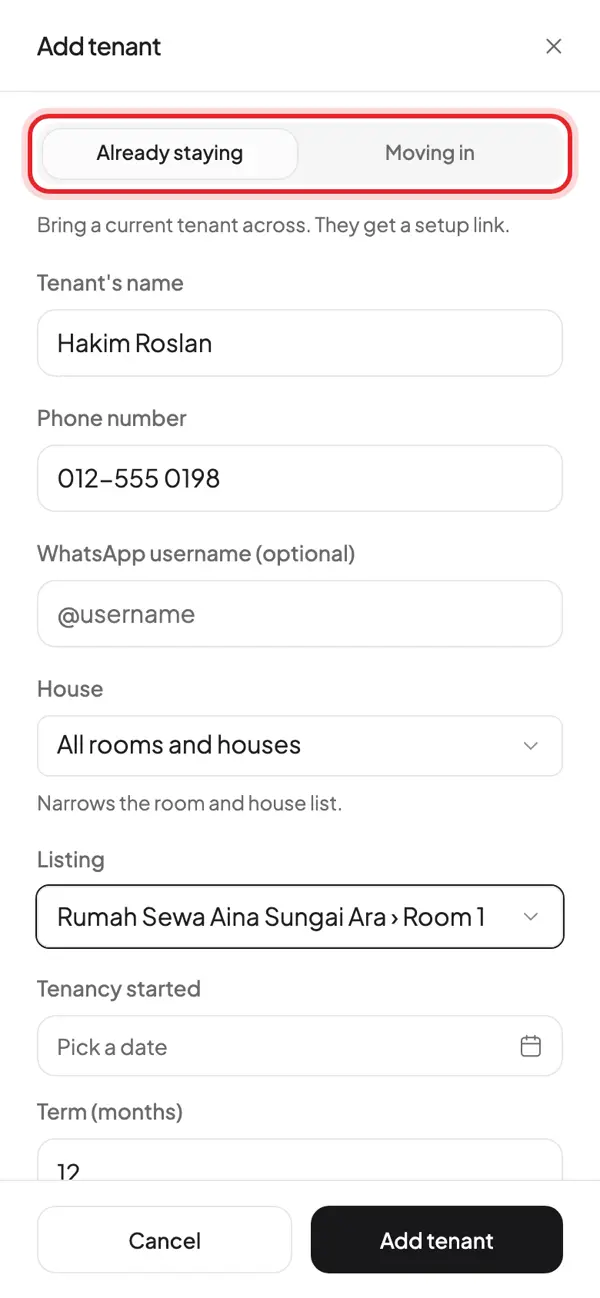
Pick Already staying for a tenant who already lives there. Fill in name, phone and room.
Start date, rent and deposit. Rent due on: the day rent is due. Late after: how many days before it counts as late.
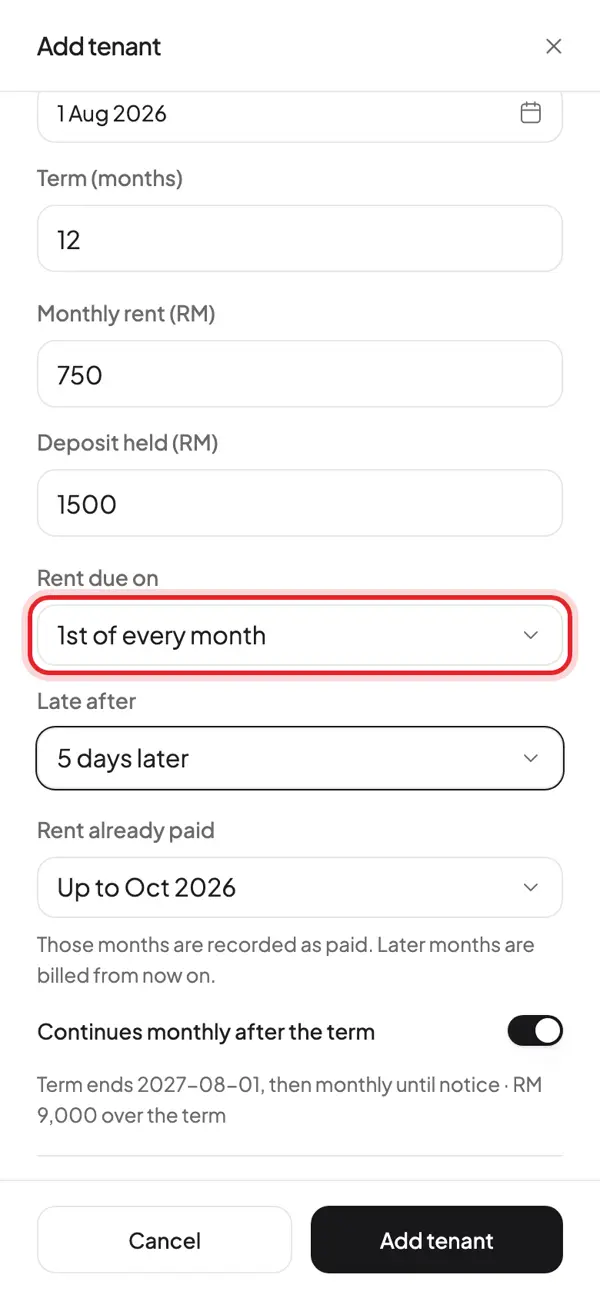
Rent already paid: mark the months the tenant paid before you used UrusPro.
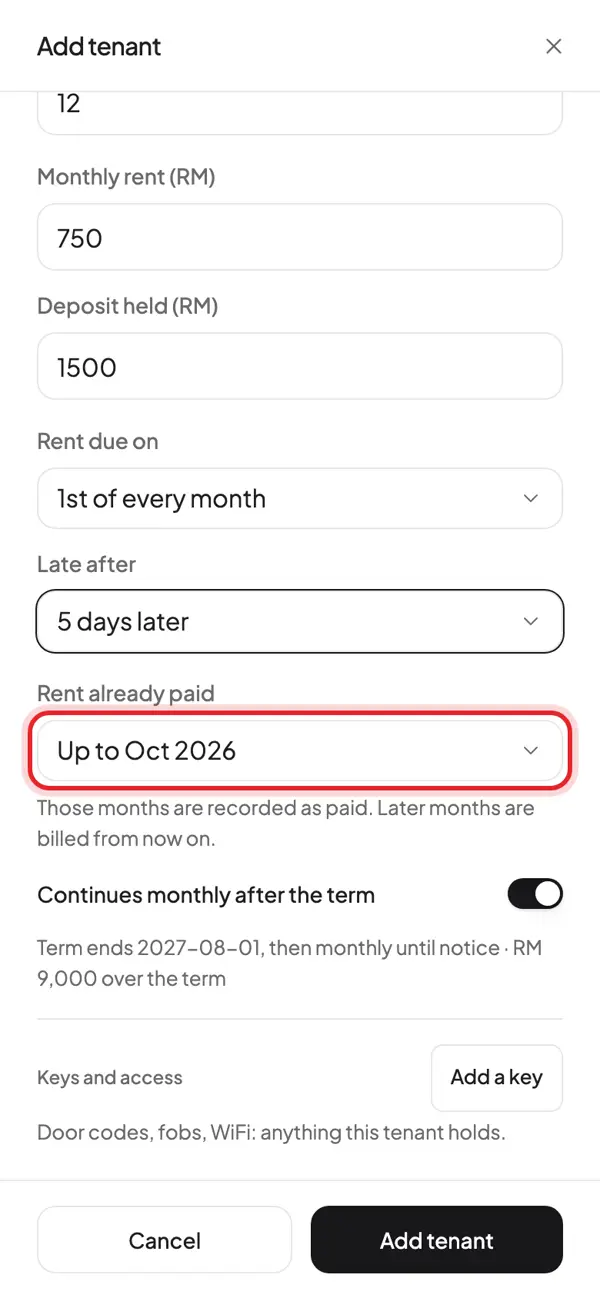
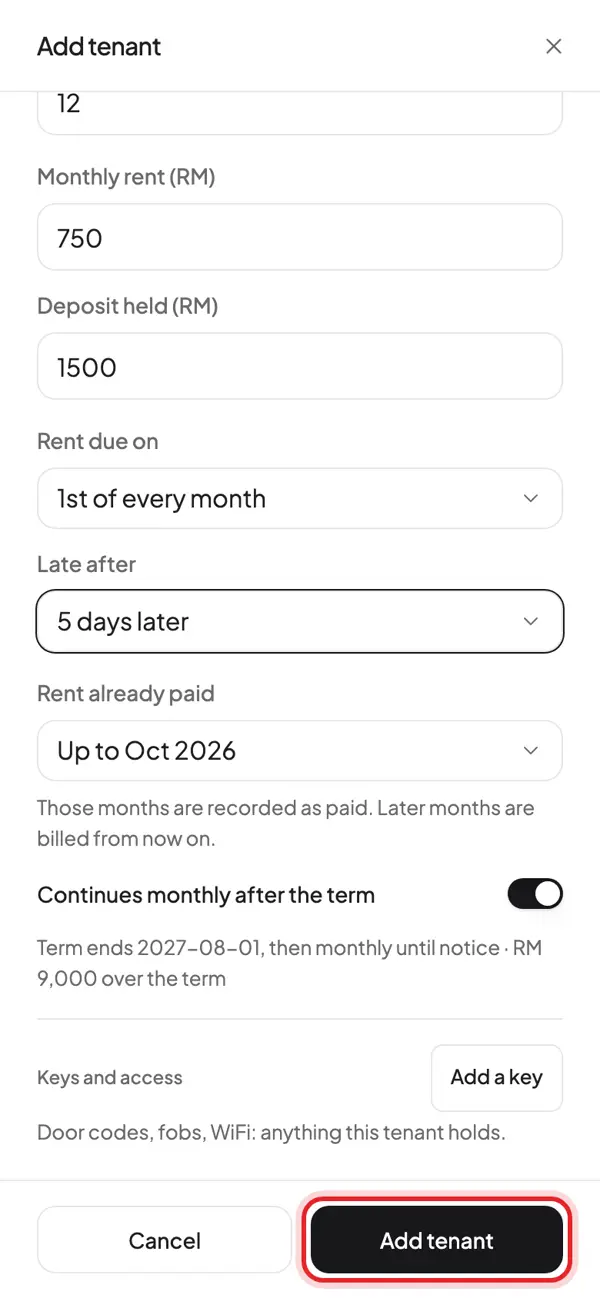
Tap Add tenant to save.
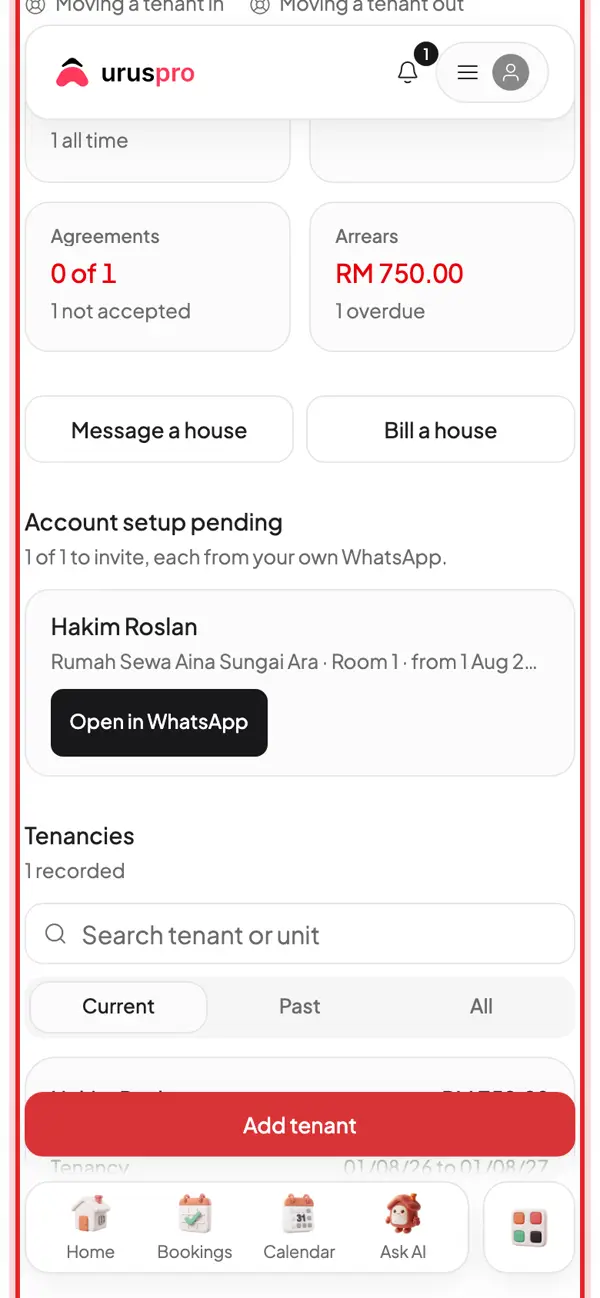
The tenant shows on Tenants. They get a link to set up their own account; send it from your WhatsApp.
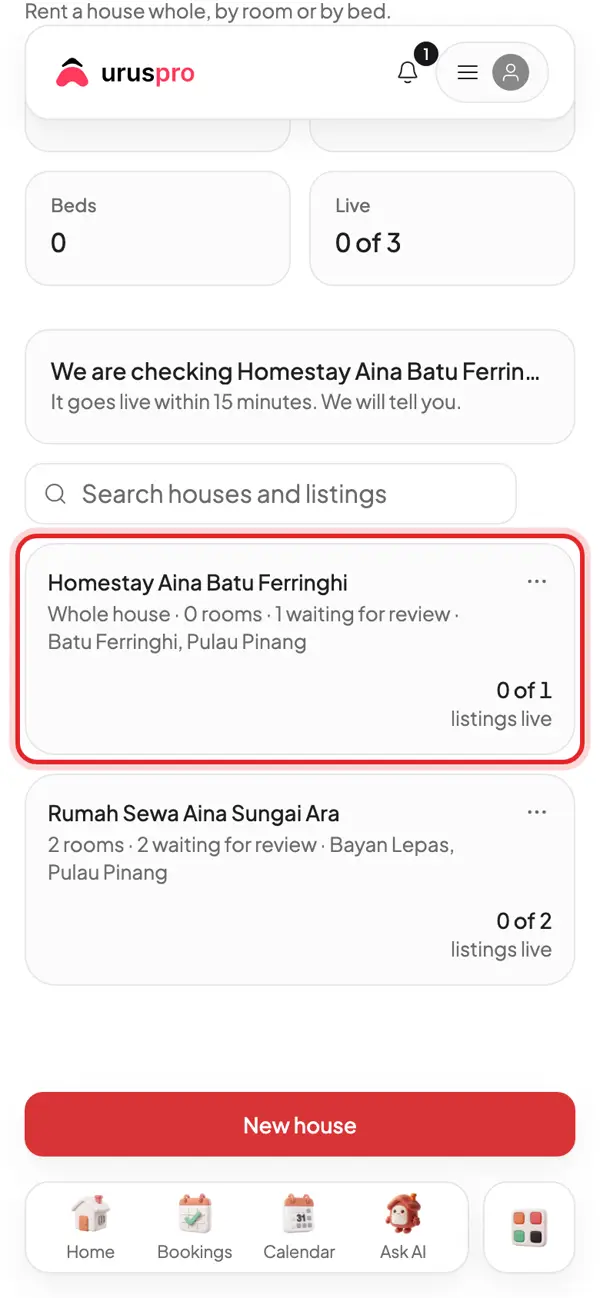
Houses: homestays and rentals in one list. Nightly stays go to Bookings, monthly tenants to Tenants.
Common questions
Do I need two accounts for homestays and rentals?
No. One account holds as many houses as you like, each with its own type.
Can one house be rented nightly and monthly?
Yes. Pick Mix, or choose Both in The basics for how long guests stay.
Where do I see the money from every house?
Home shows this month for every house. Reports breaks it down by house and type.