

A day with UrusPro: a homestay host's daily routine
Morning to night: arrivals and departures, new bookings, cleaning, payments and reviews.
This is a day of running homestays with UrusPro, from checking Home in the morning to replying to reviews at night. Every step has a picture with the button to tap, and the video above shows it all moving.
The pictures and video use example data, not a real business.
Watch first: the full video
Step by step
Morning. Open Home: the top card shows this month's sales and how much has come in.
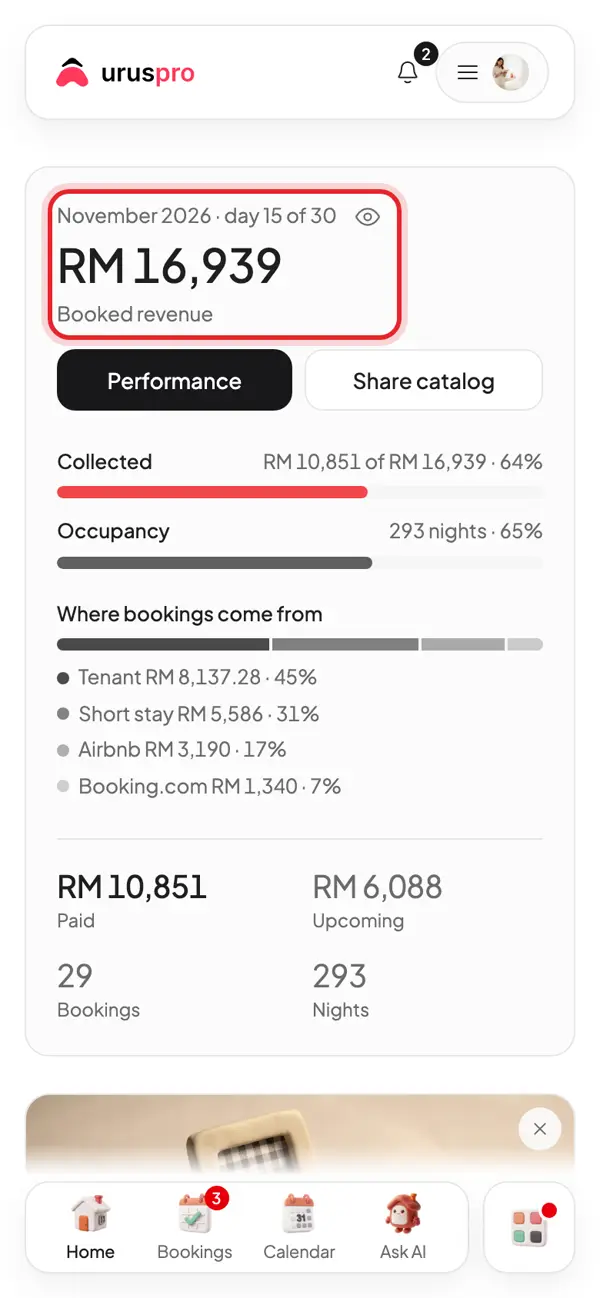
Scroll to Schedule. Today's check-in lists the guests arriving today. Tap WhatsApp guest to send the check-in details.
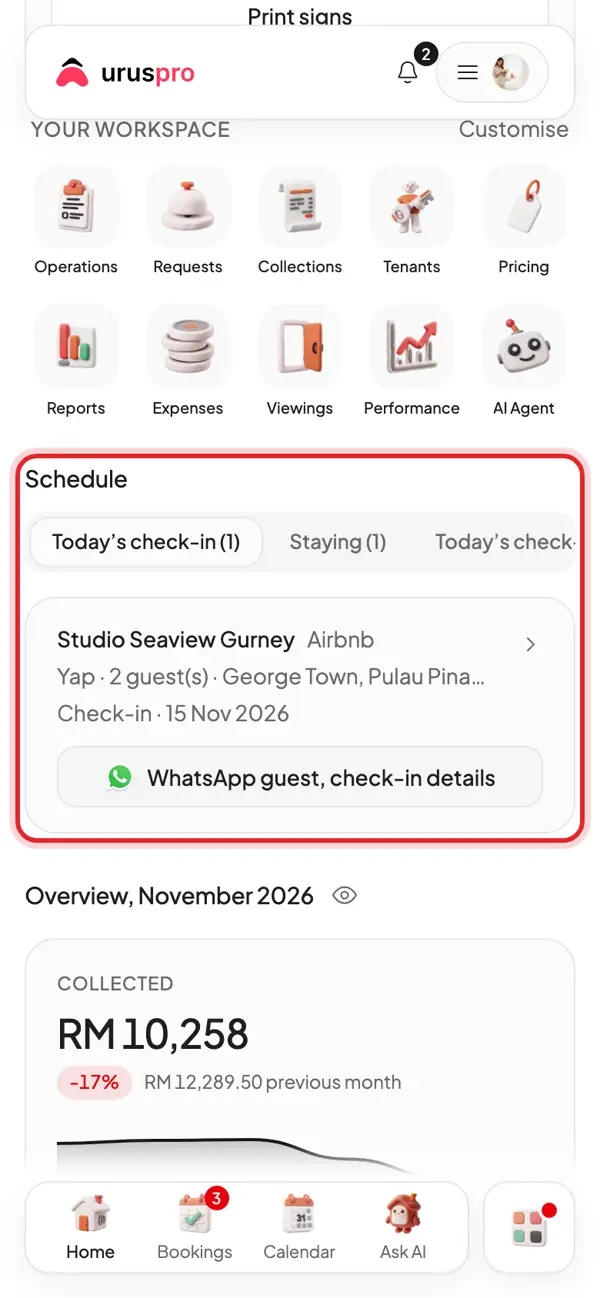
Tap Today's check-out to see who leaves today.
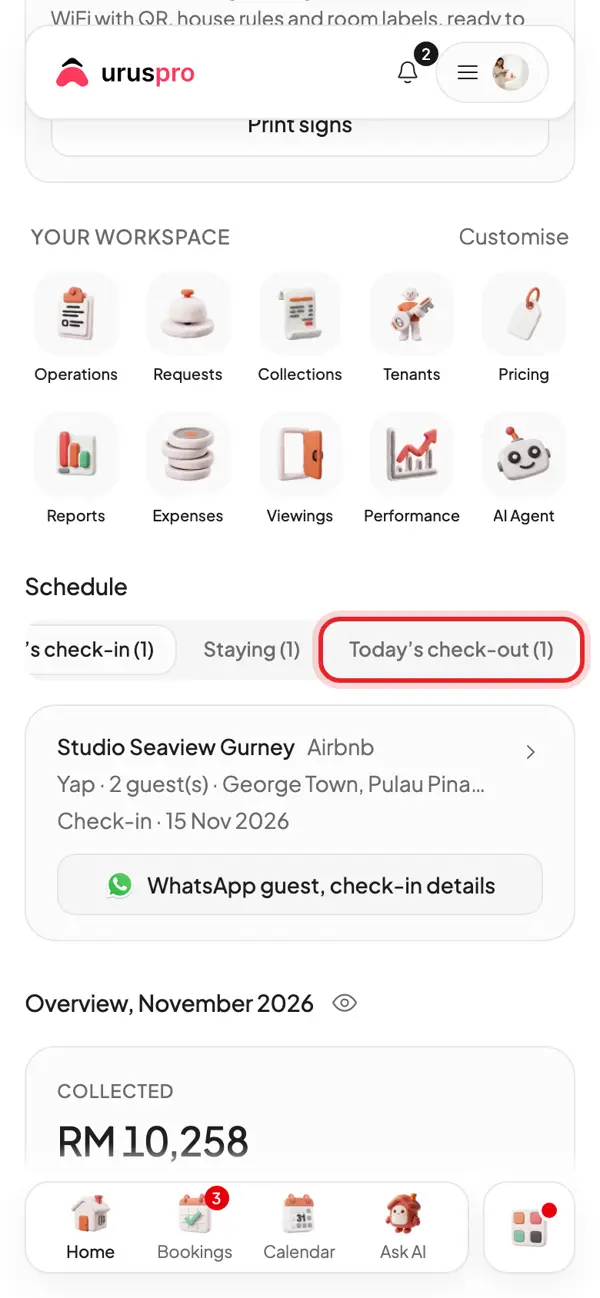
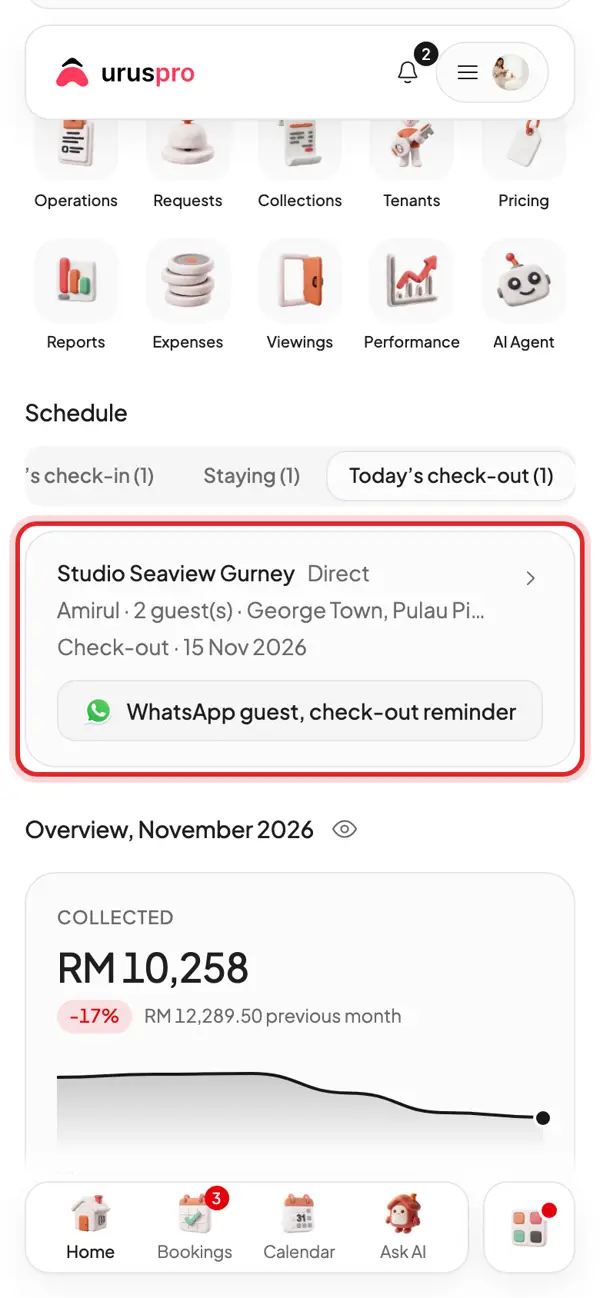
Guests leaving today. Send a check-out reminder; the place needs cleaning before the next guest arrives.
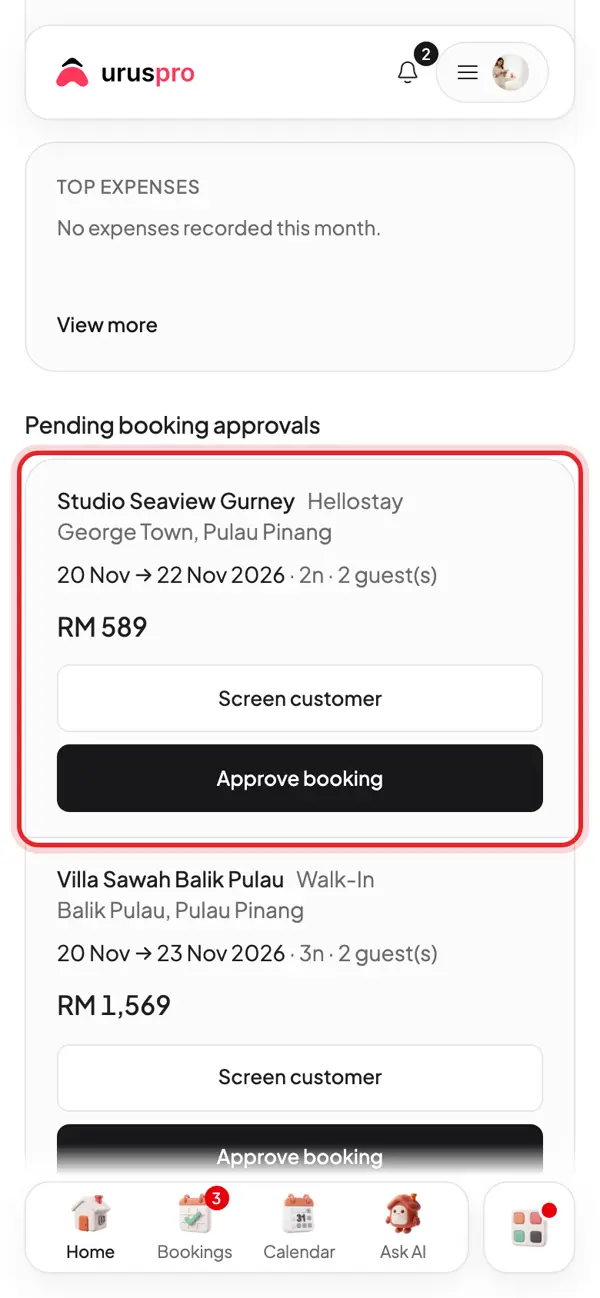
New bookings wait under Pending booking approvals. Check the dates and price, then tap Approve booking.
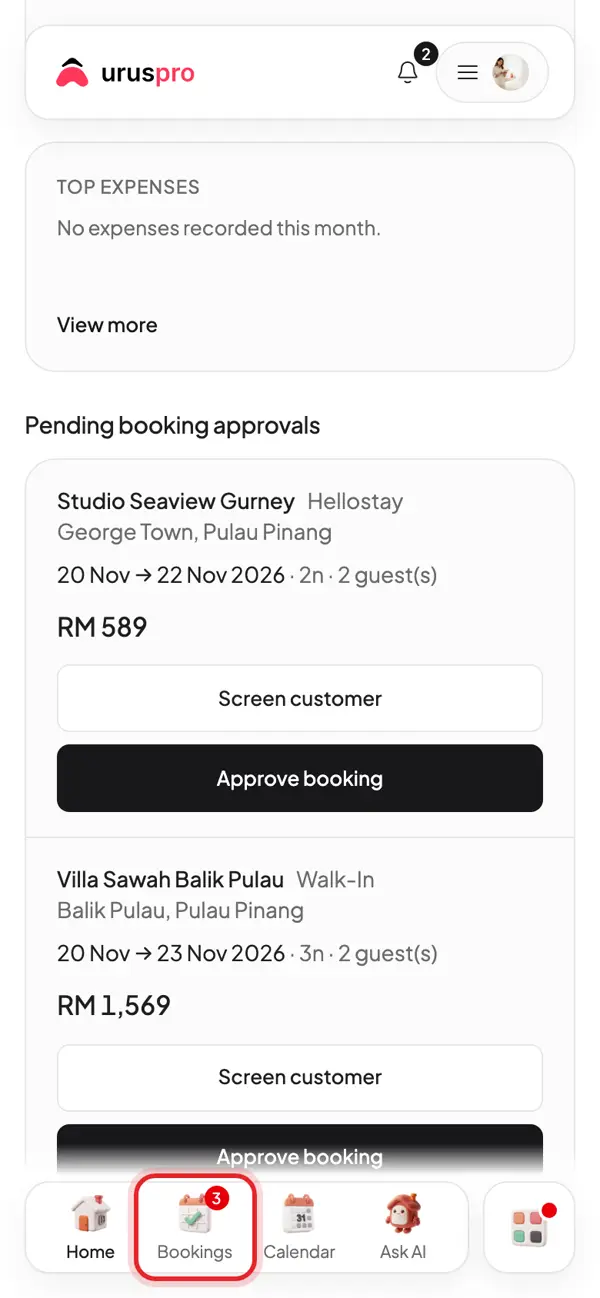
Tap Bookings at the bottom for every booking.
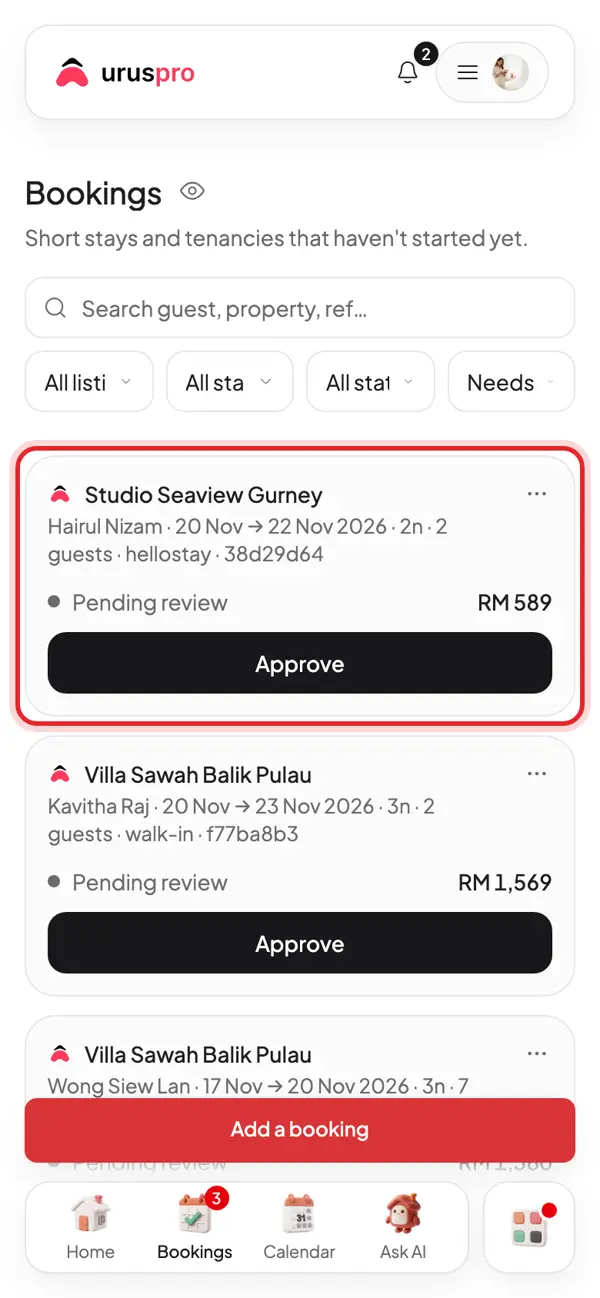
Each card is one booking: guest, dates, source and amount. Tap a card to open it.
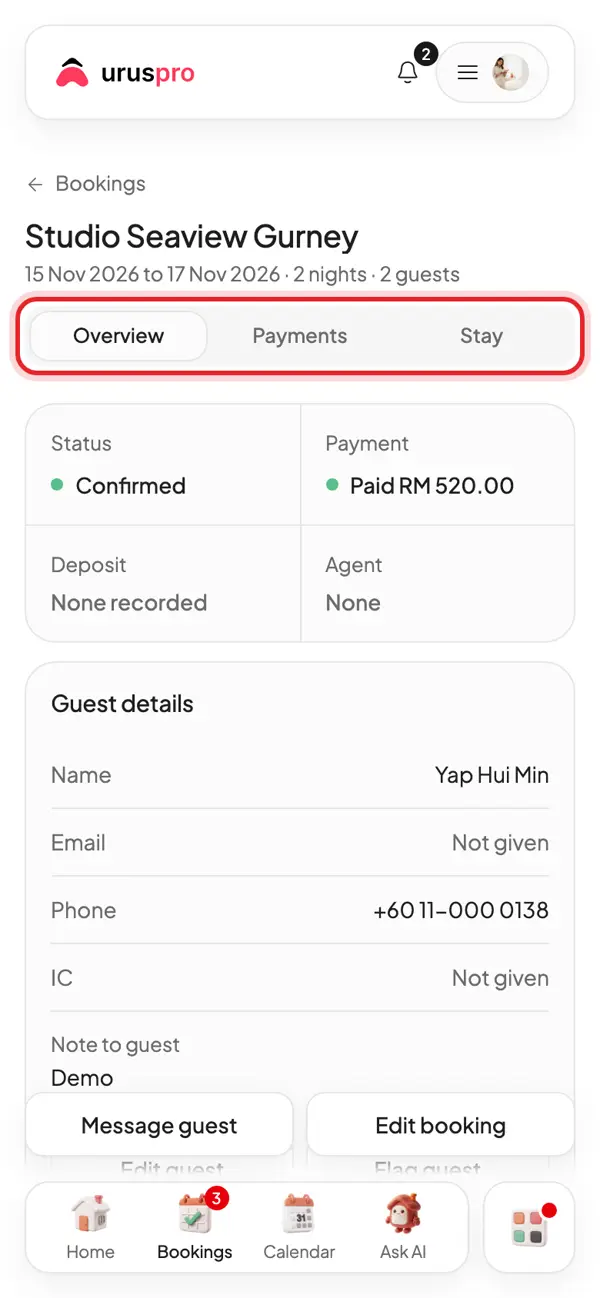
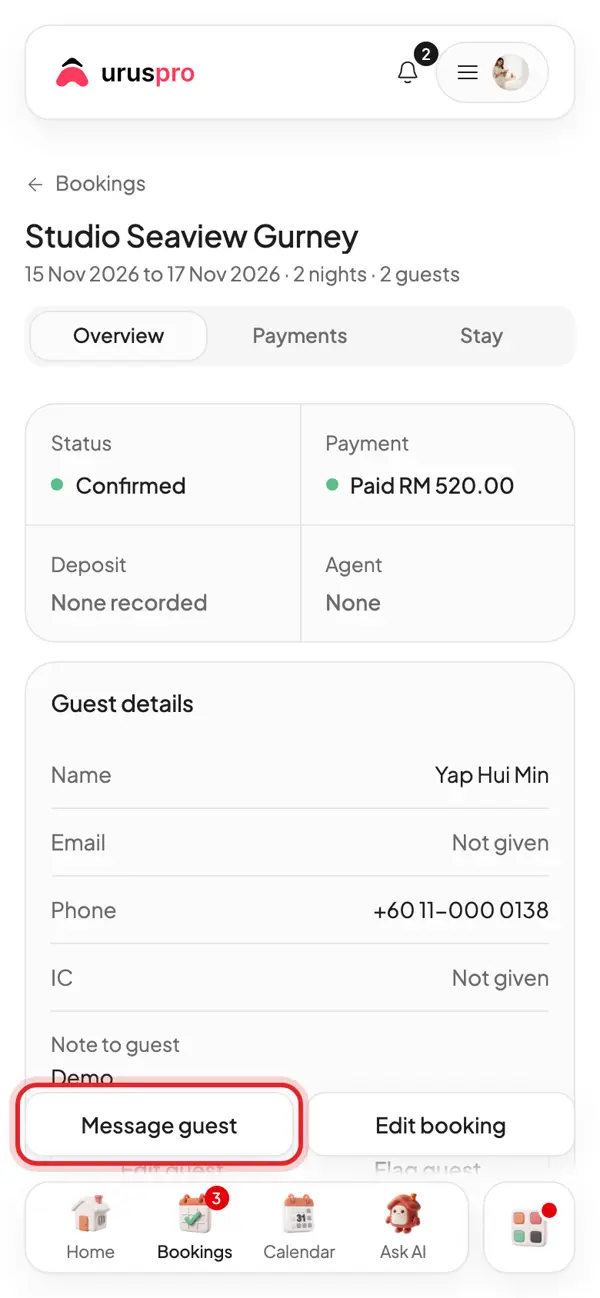
Inside a booking: Overview for status and guest, Payments for money, Stay for check-in details.
Tap Message guest to send check-in instructions on WhatsApp.
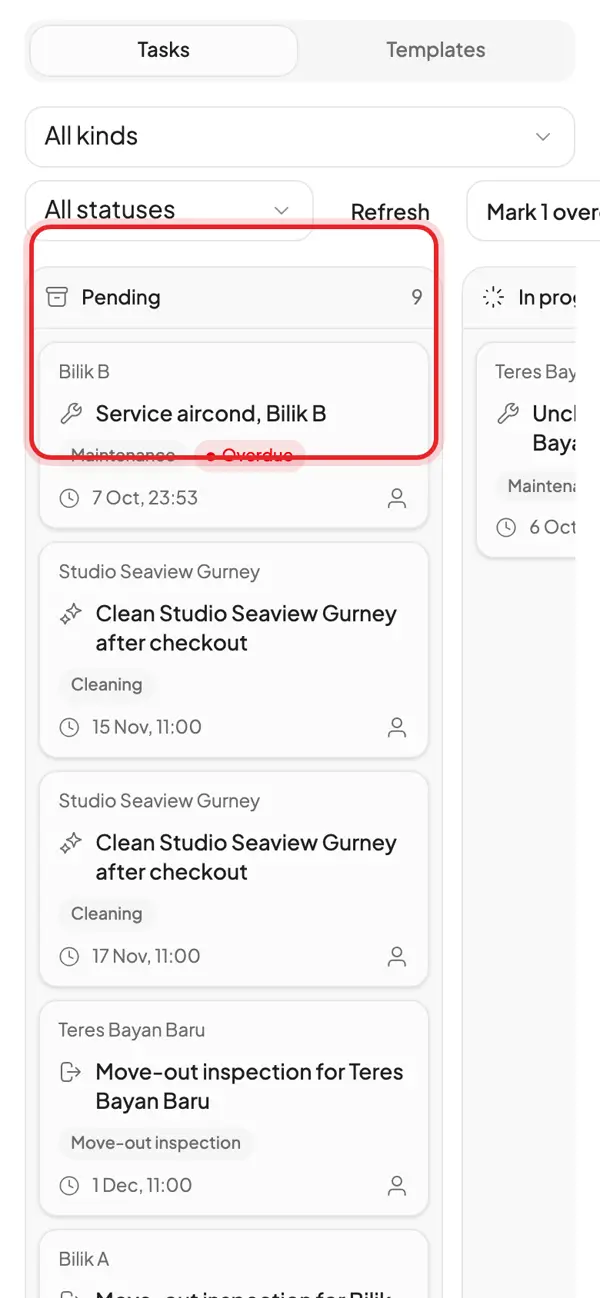
Operations: a cleaning task is made for every checkout. Assign it to staff or mark it done.
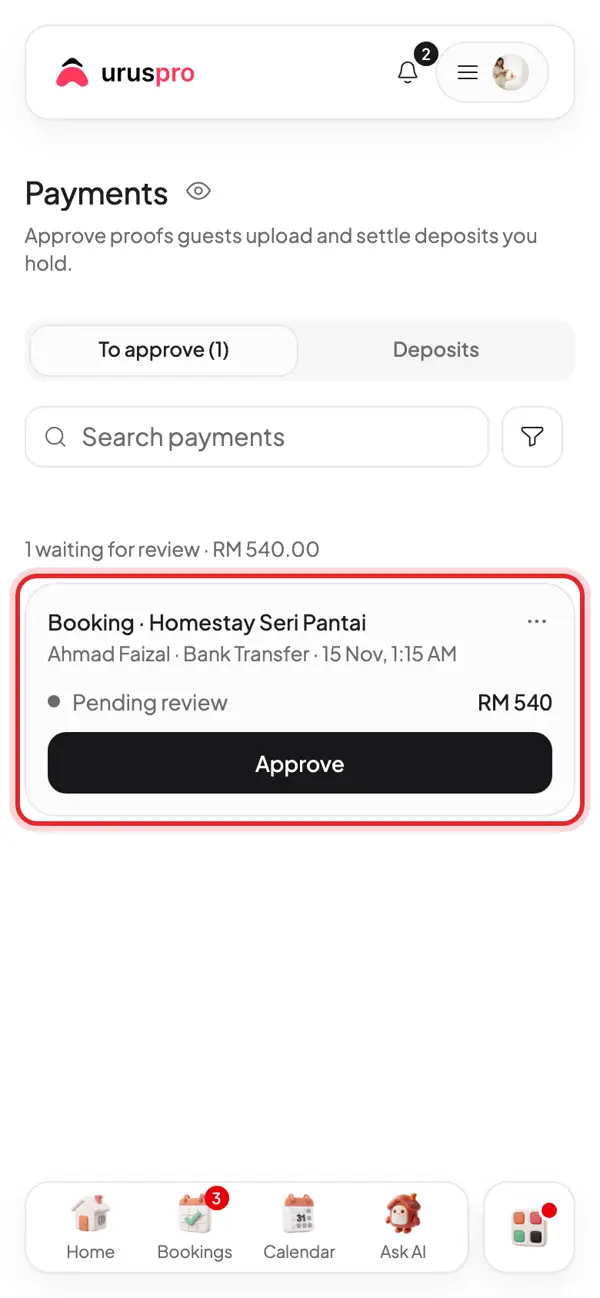
Payments: guests who pay by bank transfer upload a receipt here. Check the amount, then tap Approve.
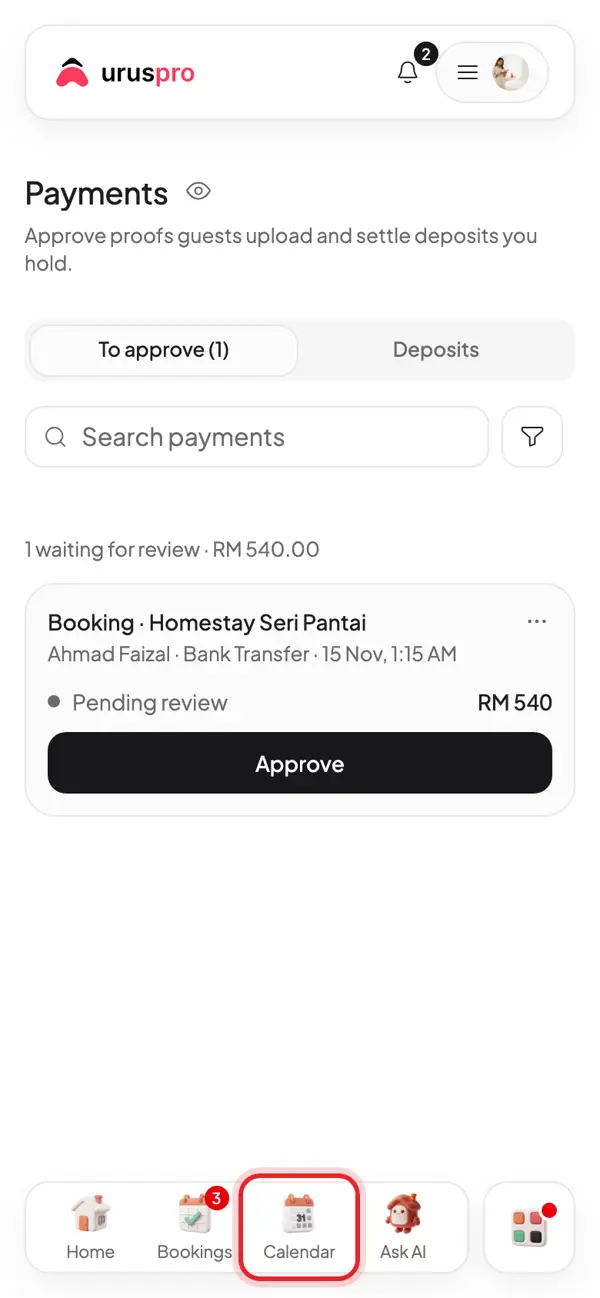
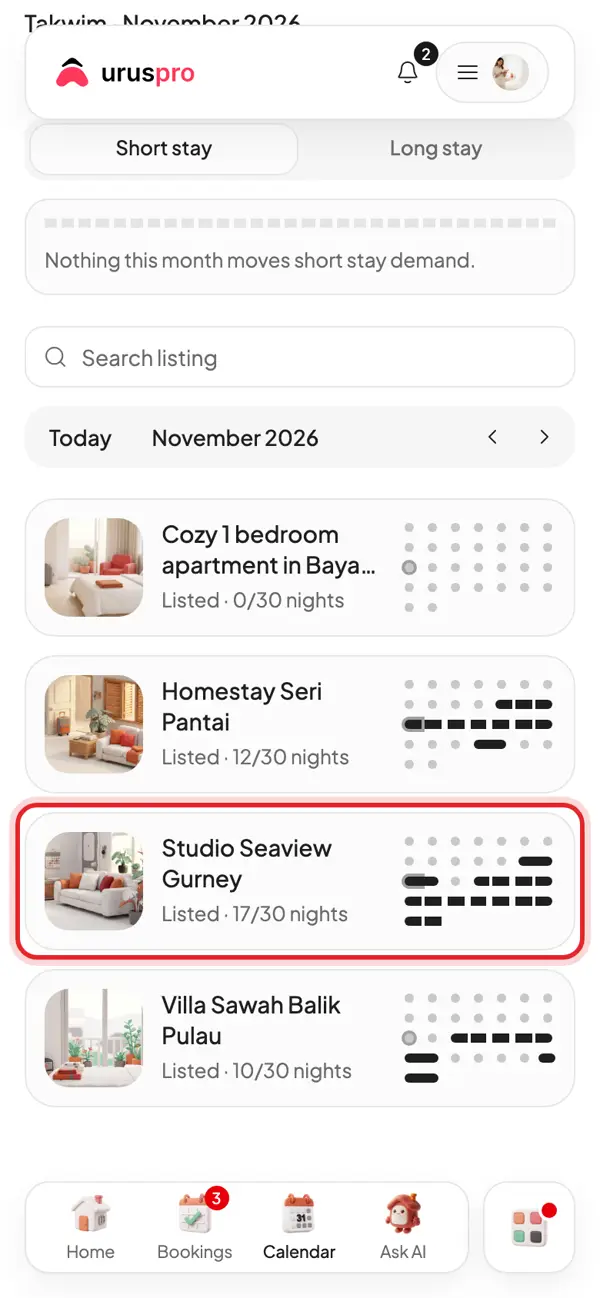
Tap Calendar to see which dates are booked and which are free.
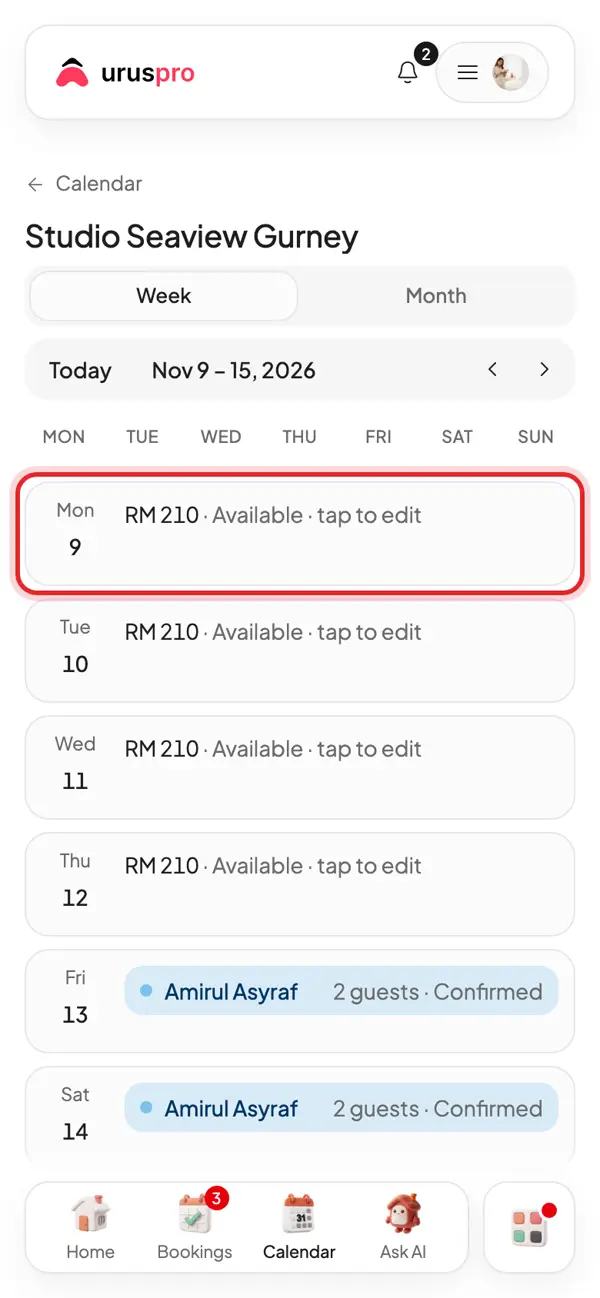
Pick a place to open its calendar. Dates from Airbnb and Booking.com show here too.
Tap a date to block it, for example for repairs or your own use.
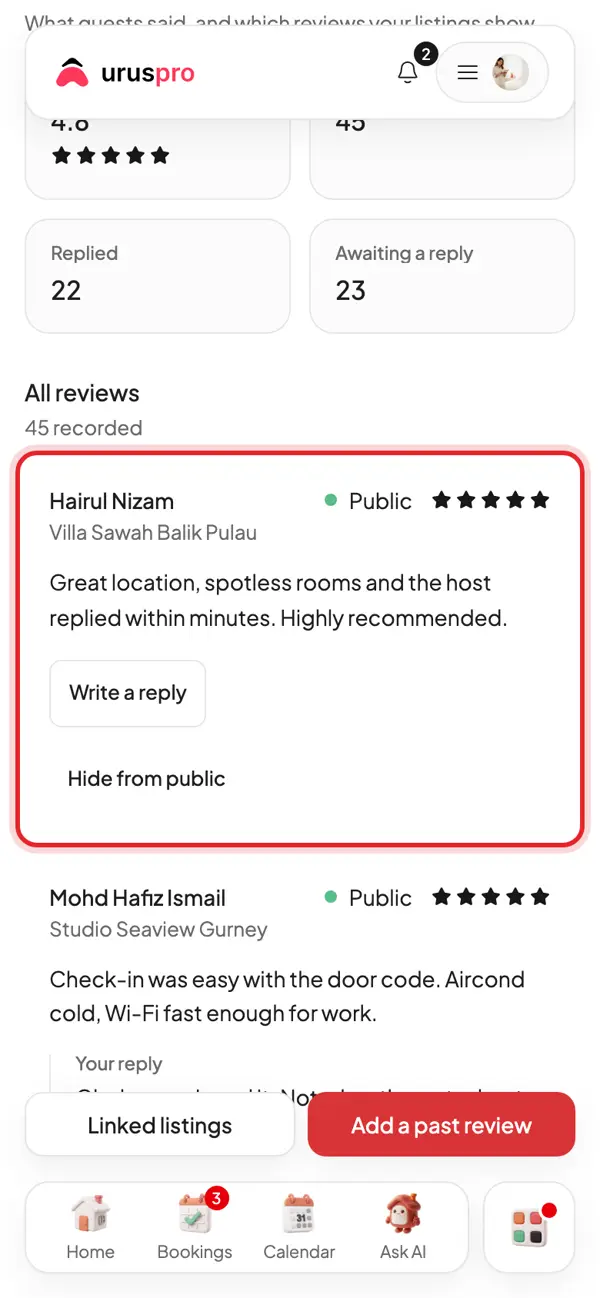
Evening. Reviews: reply to guest reviews. A good reply makes new guests more confident.
Common questions
How long does this take each day?
Most hosts spend 10 to 15 minutes. Home gathers everything due today on one screen.
Do Airbnb and Booking.com bookings come in too?
Yes, once the calendars are connected by iCal. The dates are blocked and the cleaning task is made for you.
Can cleaners work without full access?
Yes. Add them as staff and assign tasks in Operations; they only see their own tasks.